Day01
Documented
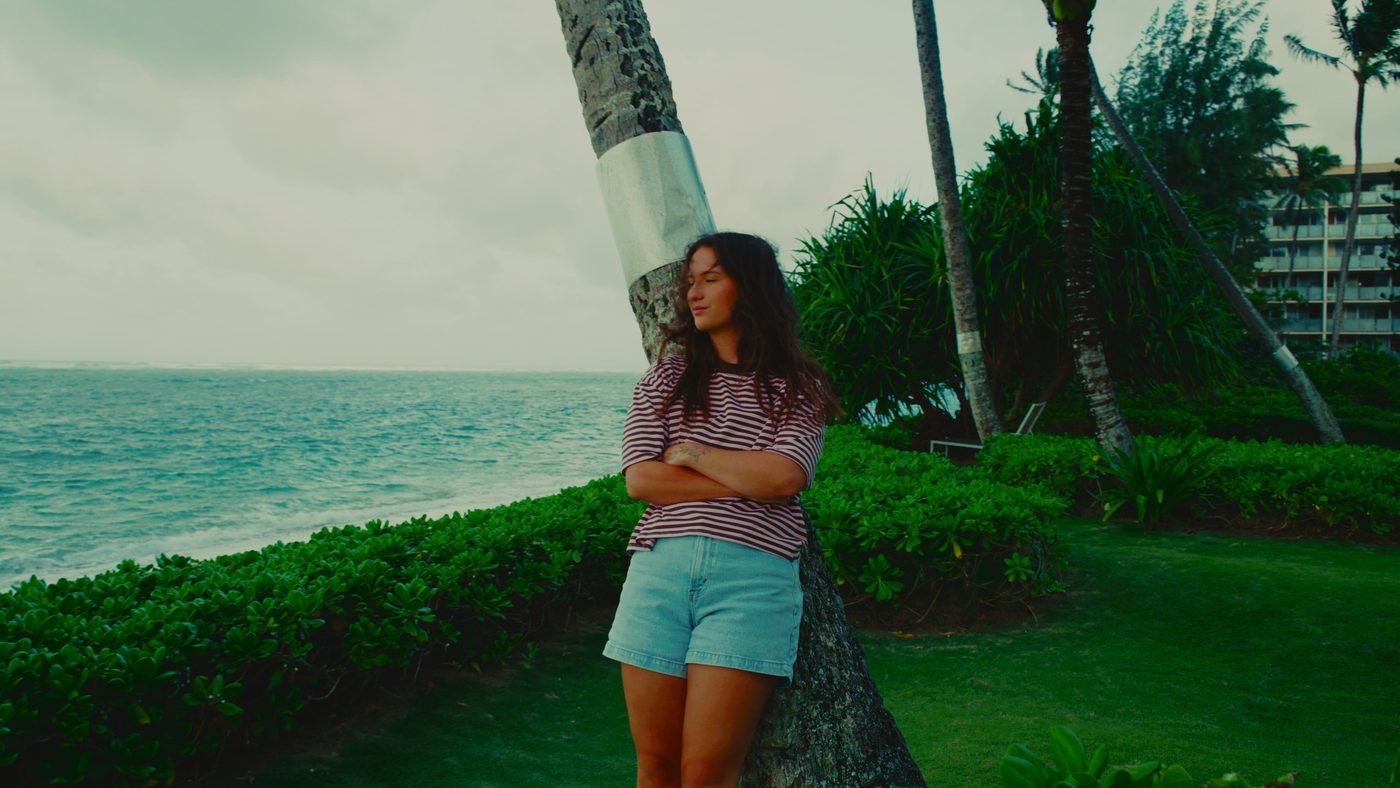
The everyday look, and the one you'll reach for 80% of the time. Matte blacks, soft highlights, warm skin, a little teal in the whites.
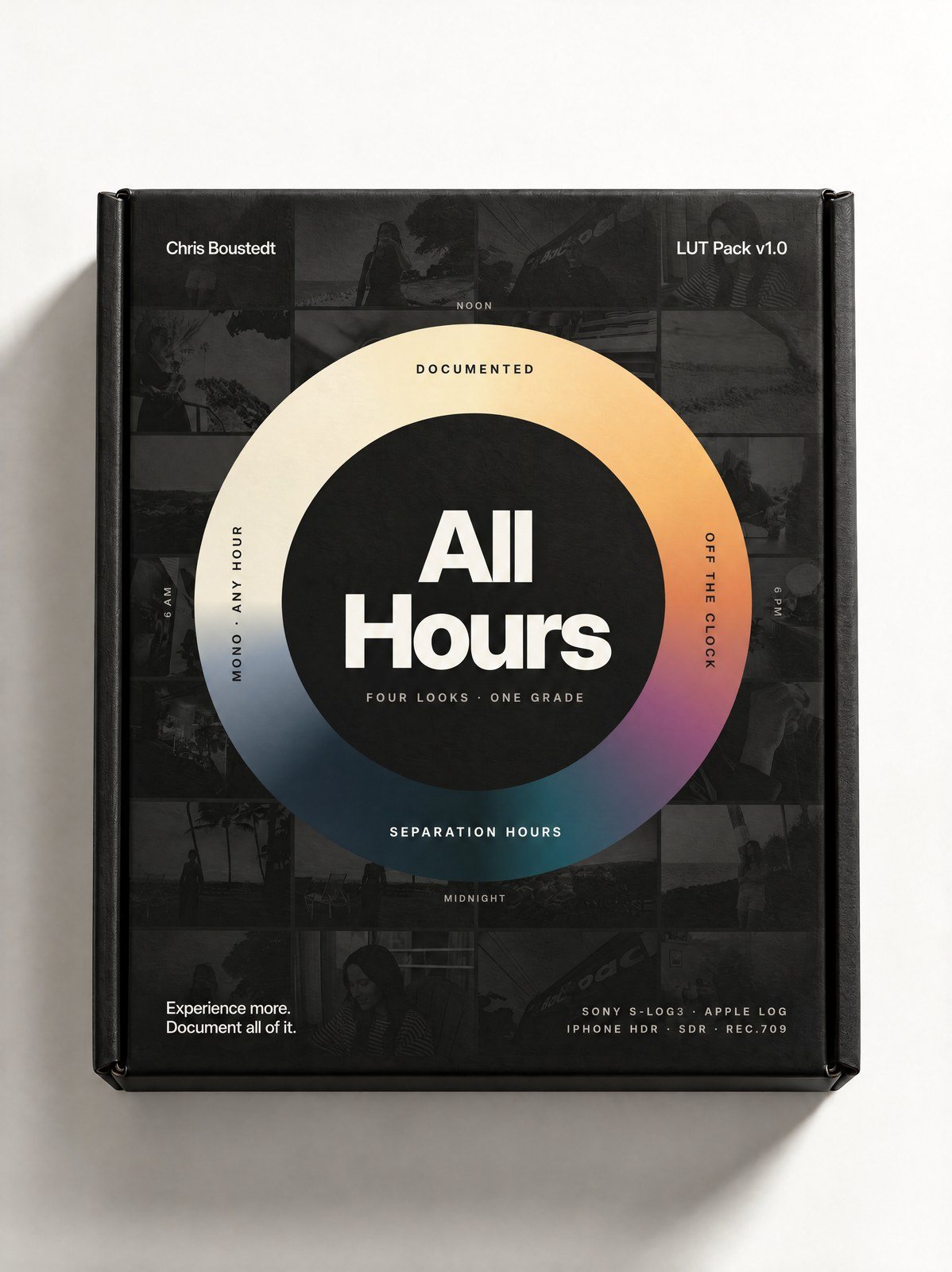
Four looks built from one grade: for the everyday, the golden hour and the late nights. Shoot it on a Sony or an iPhone and it lands the same. Drop it in and your footage looks like a life worth watching.
One payment. Yours to keep. Premiere, Resolve, Final Cut and CapCut.
Documented
Your everyday look.
Documented Mono
Same curve, no colour.
Off the Clock
Golden hour, skin first.
Separation Hours
Deep, teal, RGB-ready.
Fourteen seconds, real footage, nothing re-graded for the ad. What you see here is what the LUTs do.

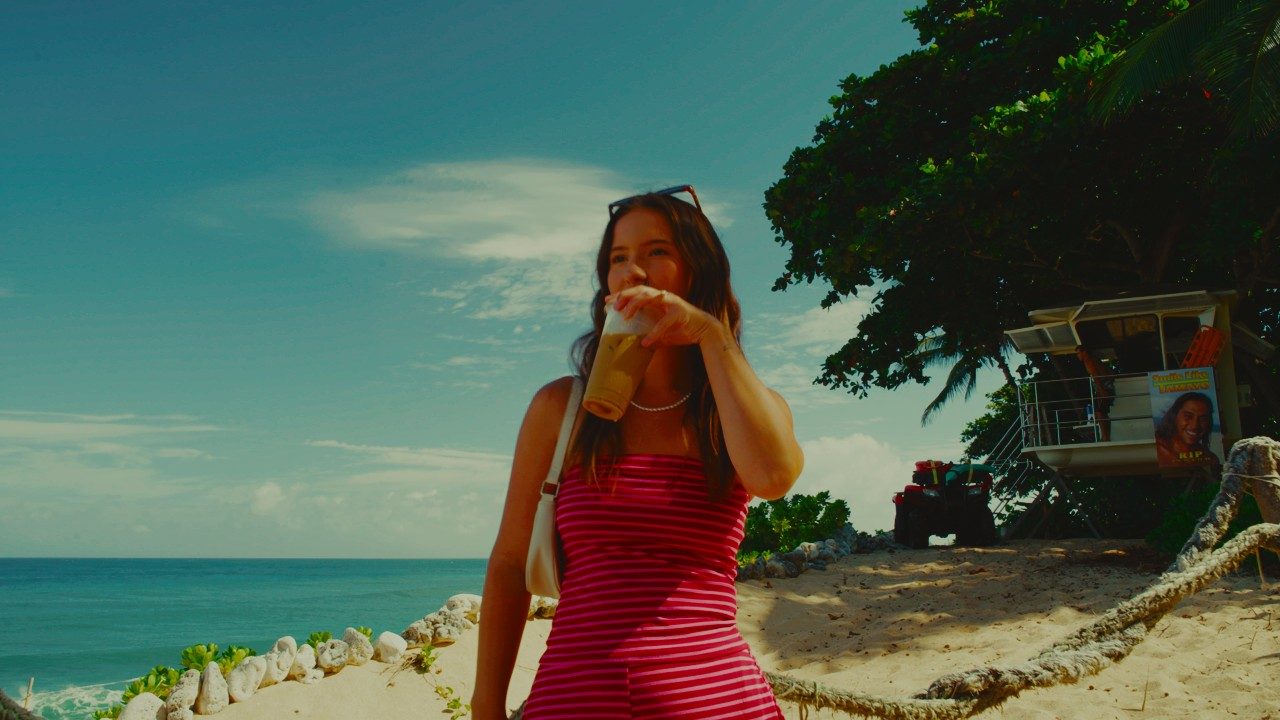
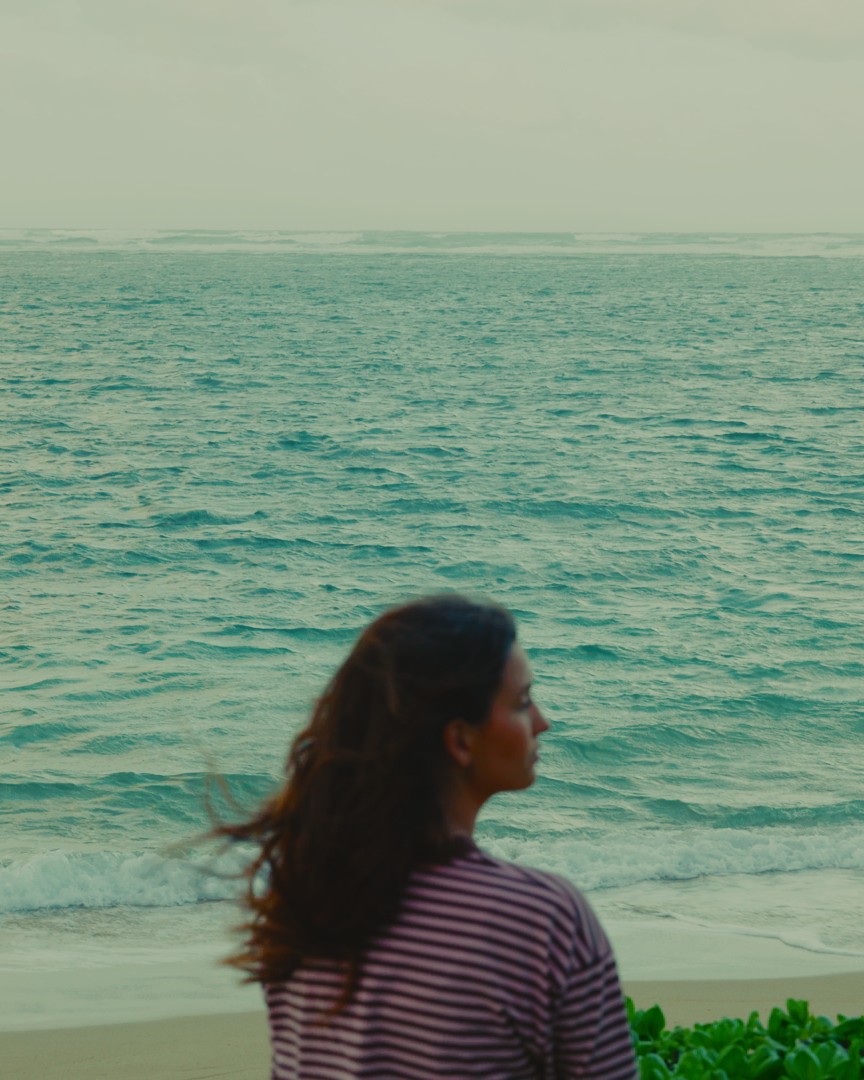
Straight out of camera on the left. One LUT on the right, no other correction. Shot on the a7V, Hawaii, overcast.
Both sides play the same clip. On slow connections they can drift a frame or two apart.
All four come from the same grade, so they cut together without anyone noticing the LUT changed. Learn one, reach for the others when the light changes.
The everyday look, and the one you'll reach for 80% of the time. Matte blacks, soft highlights, warm skin, a little teal in the whites.
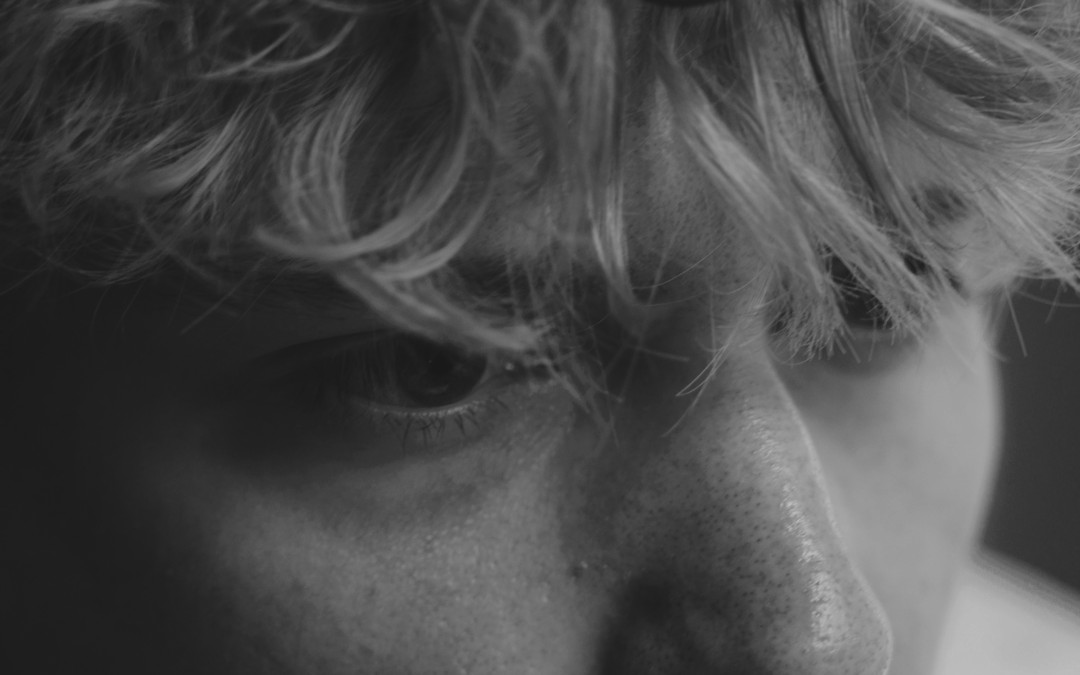
The same tone curve with no colour. Skin stays bright, skies drop for separation. Cut it against Documented and the contrast matches frame for frame.
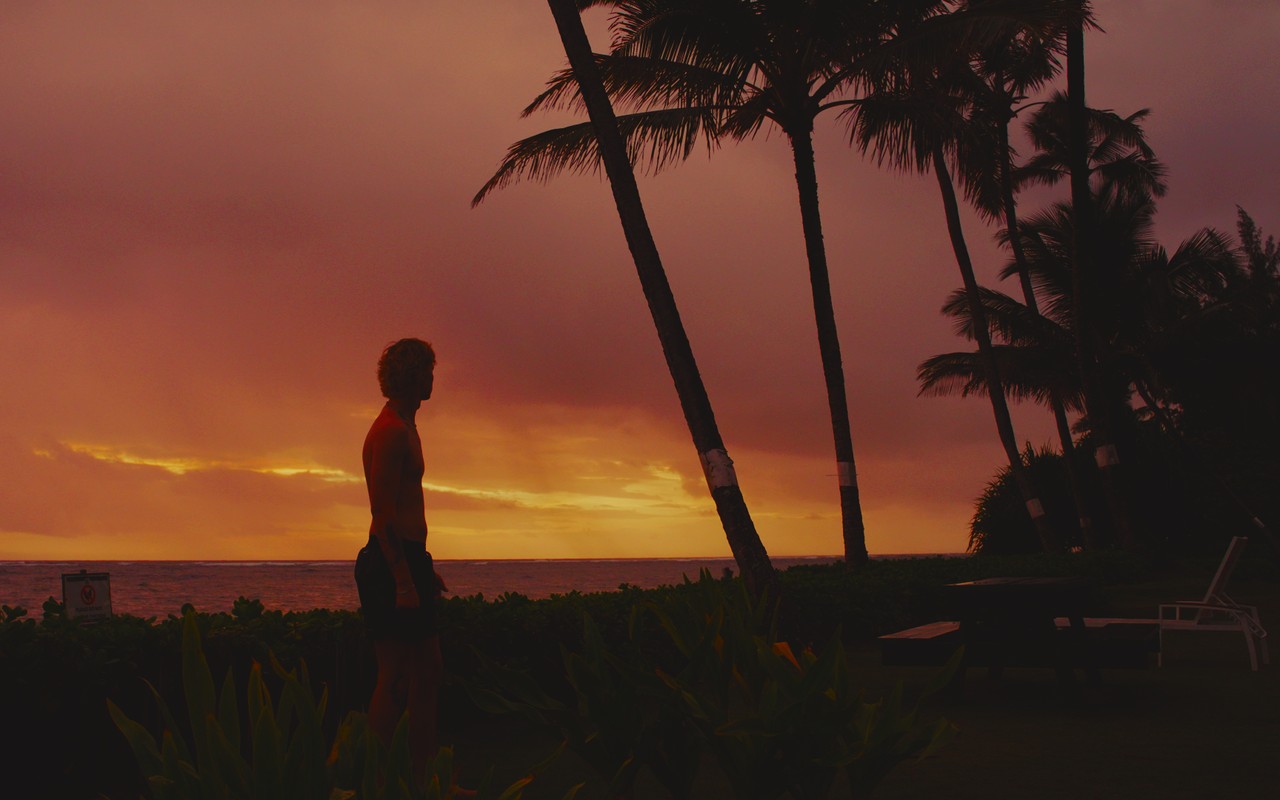
Golden hour, window light, skin first. Amber highlights and honey mids, with shadows kept cool so the warmth reads as light, not a filter.
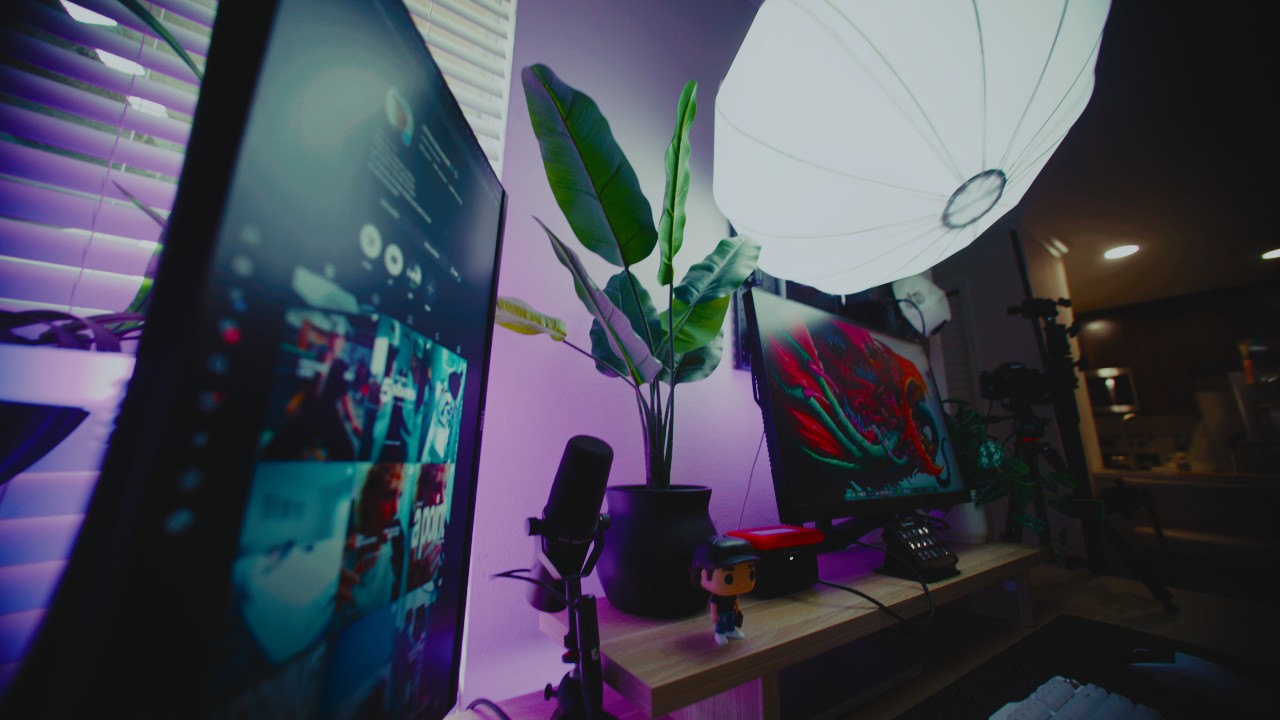
The dead of night. Deep blacks, teal shadows, clean highlights, and RGB light that sits inside the frame instead of blowing it out.
Named after @johnnyhochstetler's drop of the same name: the late nights that separate you. His idea, his phrase. This is the LUT for those hours.
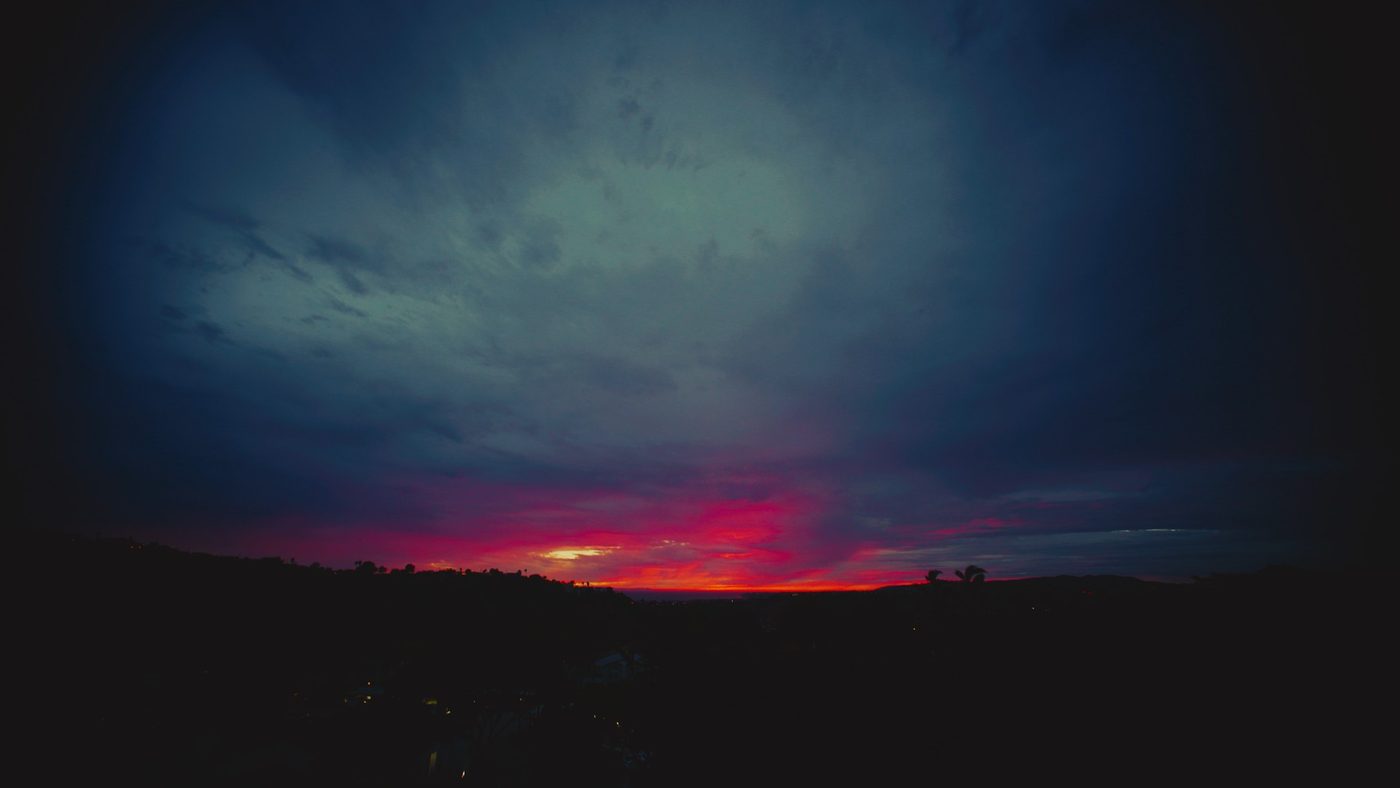
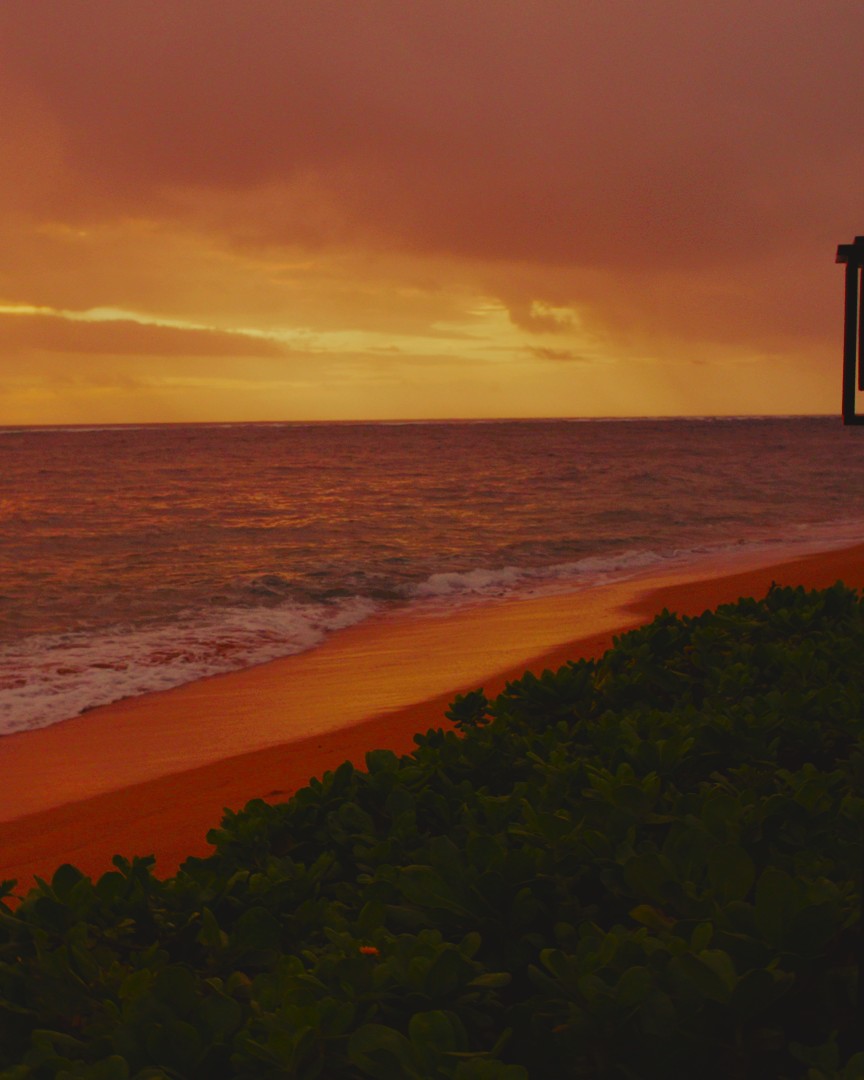
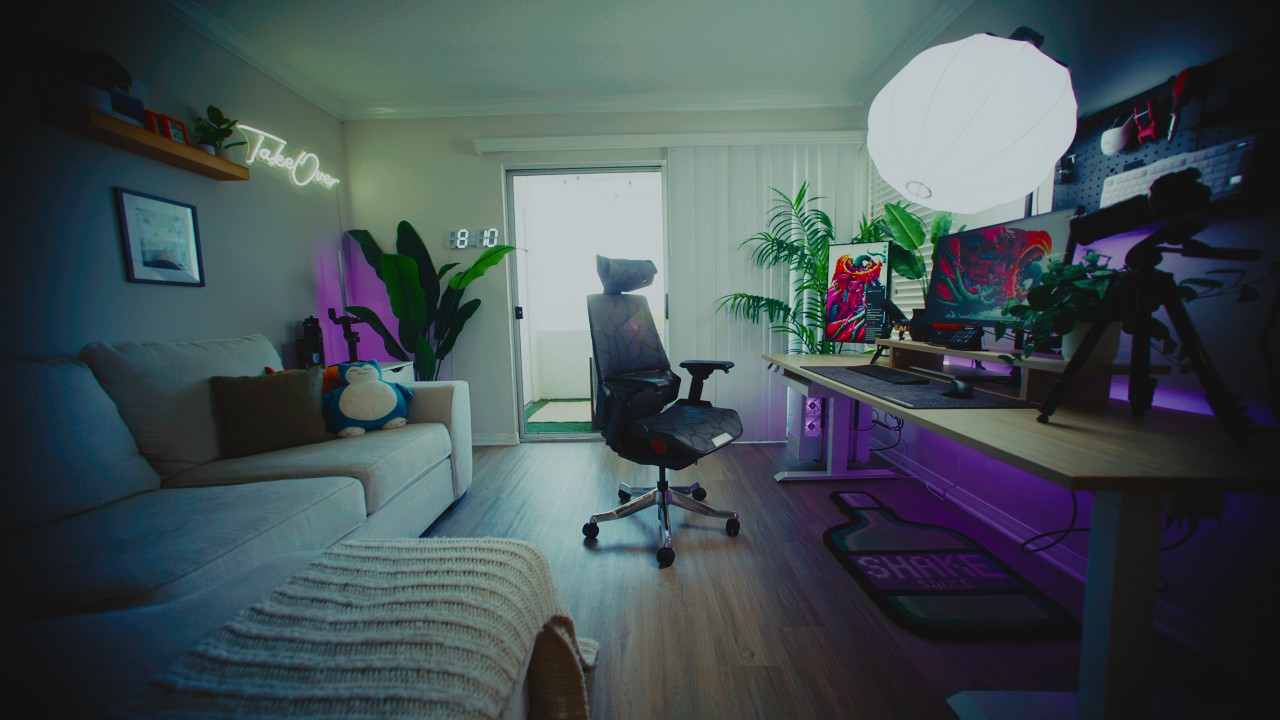
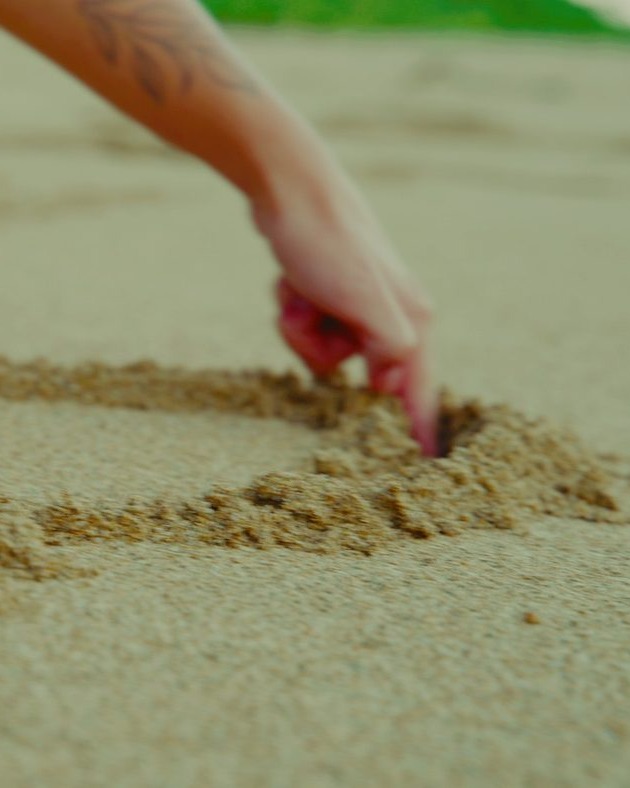
Every look comes in six versions, one per camera. Each is converted with the camera maker's published maths, so an iPhone shooter gets the same colour as a Sony shooter.
The originals. S-Log3 / S-Gamut3.Cine on any Sony body.
iPhone 15 Pro and 16 Pro, ProRes or HEVC Log.
iPhone 17 Pro and newer, Apple Wide Gamut.
Standard iPhone video with HDR on, which is the default.
iPhone with HDR Video off, or HDR your editor already converted.
Any camera's standard profile: mirrorless, GoPro, drone.
No plugins, no installers. It's a folder of .cube files that every editor already understands.
White balance about 1000K under the light and expose a stop over the meter. The look is built for it.
Sony, Apple Log, Apple Log 2, iPhone HDR, iPhone SDR or Rec.709. All four looks are inside each one.
In Premiere: Lumetri → Creative → Look. Intensity is your strength knob. That's the whole grade.
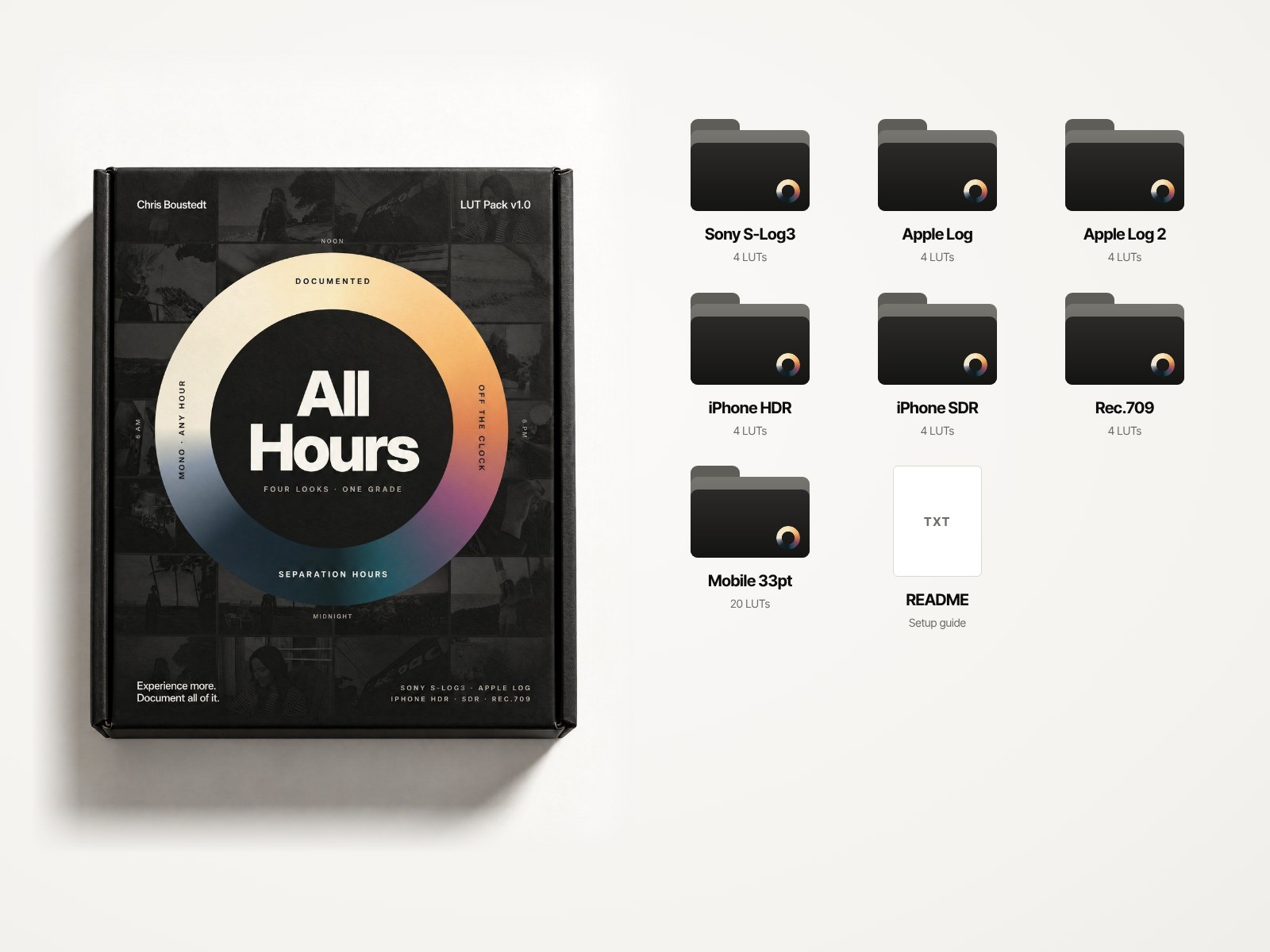
Forty-four LUTs, four looks, six cameras, test clips and a setup guide. Download once, keep it forever, get the updates free.
Secure checkout with Shopify. Digital download. All sales are final.
Film once, say one line, and Claude cuts, captions and grades your reel. Drop All Hours in as your colour and every edit lands in the look.

The one that matches how you shot. Sony in S-Log3 → Sony S-Log3. iPhone 15–16 Pro in Log → Apple Log. iPhone 17 Pro in Log 2 → Apple Log 2. Any camera's normal picture profile → Rec.709. Every folder has all four looks.
iPhone shoots HDR by default, and most editors quietly convert it to SDR. The test: put the clip on your timeline before adding anything.
Looks normal → use iPhone SDR. Looks washed out and grey → use iPhone HDR.
A little cool. These looks are built on footage shot about 1000K below the light: roughly 4300–4600K in daylight and 2800K under warm bulbs. Warm footage through a teal grade turns green, so if a clip came out warm, pull Temperature down before the LUT.
It's under-exposed for the look. Expose log about a stop over what your meter wants, with skin around 55–60 on the waveform. To fix a clip after the fact, raise Exposure in Basic Correction first. Don't lower the LUT intensity.
Anything that loads .cube files: Premiere Pro, DaVinci Resolve, Final Cut Pro, CapCut, VN, LumaFusion and Blackmagic Camera. Use the Mobile 33pt folder in phone apps.
No. All Hours works on its own in any editor. Yap Studio is my AI editor, and All Hours drops straight in as its colour if you use both.
Yes. Use it in unlimited personal and commercial projects. Just don't resell or share the files themselves.
Yes, free, including new camera versions as they come out.
All sales are final, because it's a digital download. Watch the trailer and drag the comparison above before you buy; that's exactly what the files do.